PV Winzone App Download for Android: APK Install Steps and Fixes
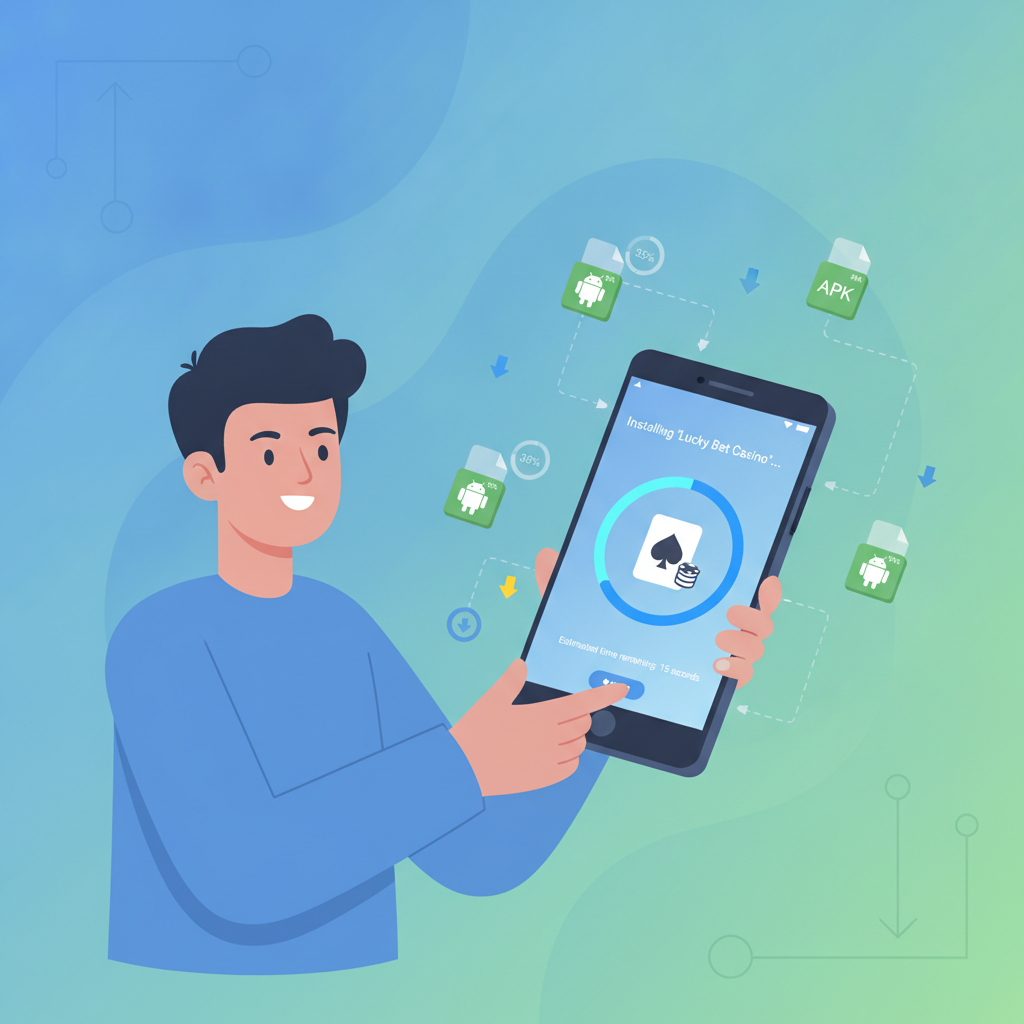
Where to Download the Official PV Winzone Android APK File
PV Winzone does not distribute its Android app through Google Play Store. Instead, players download the APK file directly from the PV Winzone mobile site. This method is common for online casino and sportsbook apps in the Philippines.
To get the official APK, open your Android browser and visit the PV Winzone homepage. Look for a banner or button labeled "Download App" or "Android App"—typically displayed at the top of the mobile site or in the main menu. Tap that link and the APK file will begin downloading to your device.
Important: Only download the APK from the official PV Winzone domain. Third-party sites may offer modified or outdated files that could compromise your account security or personal data. Bookmark the legitimate PV Winzone URL on your first visit so you always return to the correct source.
The APK file size is usually between 30 MB and 80 MB, depending on the current version. Make sure you have stable Wi-Fi or mobile data; an interrupted download can result in a corrupted file that will not install properly.
Step-by-Step: Enable "Unknown Sources" and Install the APK on Your Phone
Because the PV Winzone app comes from outside Google Play, your Android device will block the installation by default. You need to permit installations from "unknown sources" for your browser or file manager.
Enable Unknown Sources (Android 8.0 and Newer)
- After the APK finishes downloading, tap the notification or locate the file in your Downloads folder.
- When you tap the APK to install, Android will show a prompt: "For your security, your phone is not allowed to install unknown apps from this source."
- Tap Settings in that prompt. You will land on a screen called "Install unknown apps."
- Find the app you used to download the APK—usually Chrome, Firefox, or your file manager—and toggle Allow from this source to ON.
- Press the back button to return to the APK installer, then tap Install.
Enable Unknown Sources (Android 7.1 and Older)
- Open Settings → Security (or Lock screen and security).
- Scroll down and enable Unknown sources.
- Confirm the warning dialog by tapping OK.
- Open your Downloads folder, tap the PV Winzone APK, and then tap Install.
Once the installation completes, tap Open to launch PV Winzone. You can also find the app icon on your home screen or in the app drawer. The first time you open the app, it may download additional game assets or prompt you to log in with your existing PV Winzone credentials.
Security tip: After installation, you can return to the "Install unknown apps" screen and turn off the permission for your browser. This prevents accidental installation of unwanted APKs from other sites in the future.
Troubleshooting Install Errors on Android
Even when you follow every step, errors can occur. Here are the most common problems and how to fix them.
"App Not Installed" Message
This generic error has several possible causes:
- Corrupted download: Delete the APK from your Downloads folder and download it again from the PV Winzone site. A stable Wi-Fi connection helps prevent file corruption.
- Conflicting signature: If you previously installed an older version of PV Winzone from a different source, Android may reject the new APK. Uninstall the old app completely, restart your phone, then install the fresh APK.
- Insufficient storage: Check Settings → Storage. You need at least 200 MB of free space for the APK file and installation. Clear cached data from unused apps or move photos to cloud storage if space is tight.
- Outdated Android version: PV Winzone typically requires Android 5.0 or higher. Check your Android version in Settings → About phone. If your device is too old, consider upgrading your phone or using the mobile browser version of PV Winzone instead.
Storage Full or Low Space Warning
Android reserves internal storage for system files, so even if you see "2 GB free," the installer may still fail. Try these steps:
- Delete old screenshots, videos, and downloads you no longer need.
- Clear app caches: Settings → Storage → Cached data → OK.
- Uninstall apps you rarely use.
- Move media files to an SD card or upload them to Google Photos with the "Free up space" option.
After freeing up space, reboot your phone and attempt the APK installation again.
Parse Error or "There Was a Problem Parsing the Package"
A parse error means Android cannot read the APK file. Common fixes:
- Re-download the APK: The file may have been incomplete or damaged during download.
- Check your Android version: If your OS is too old, the APK cannot be parsed. Confirm the minimum version requirement on the PV Winzone site.
- Enable unknown sources: Double-check that the toggle is ON for the correct app (your browser or file manager).
If parse errors persist after re-downloading, the issue may be a temporary problem on the PV Winzone server. Wait an hour and try again, or contact PV Winzone customer support through live chat on their mobile site.
Security Warning or "Harmful App Blocked"
Google Play Protect sometimes flags casino APKs as potentially harmful because they bypass the Play Store. If you see this warning:
- Tap More details in the Play Protect notification.
- Select Install anyway (wording varies by Android version).
- The APK will proceed with installation.
This warning does not mean the PV Winzone app is dangerous—Play Protect simply does not recognize apps outside its own store. As long as you downloaded the APK from the official PV Winzone domain, it is safe to install.
How to Update the PV Winzone App When a New Version Is Released
PV Winzone pushes updates periodically to add features, improve stability, and refresh game selections. Because the app is not on Google Play, it will not update automatically.
In-App Update Prompt
When you open an outdated version of PV Winzone, the app may display a pop-up: "New version available. Update now to continue." Tap the update button and you will be redirected to the download page on the PV Winzone mobile site. Follow the same installation steps as before—download the new APK, open it, and tap Install. Android will replace the old version while keeping your login session and settings intact.
Manual Update Check
If you have not received a prompt but want to ensure you are running the latest version:
- Visit the PV Winzone mobile site in your browser.
- Look for the "Download App" or "Android App" link.
- Compare the version number shown on the site with the one in your installed app (usually found in Settings or About inside the app).
- If the site offers a newer version, download and install it.
You do not need to uninstall the old app first. Installing the updated APK will overwrite the previous version automatically, preserving your account login.
What Happens If You Skip an Update
Running an outdated app version may cause problems:
- Login errors: Older versions can lose compatibility with PV Winzone servers, resulting in "Session expired" or "Unable to connect" messages.
- Missing games or features: New slots, live dealer tables, or sportsbook markets may not appear.
- Payment issues: Deposit and withdrawal flows sometimes change with updates, and outdated apps may fail to process GCash or Maya transactions correctly.
To avoid these headaches, update your PV Winzone app as soon as a new version is announced. Most updates install in under a minute on a decent mobile connection.
21+ Only and Responsible Gambling Reminder
PV Winzone is intended for players aged 21 and above only. Online gambling involves real money and real risk. Never deposit more than you can afford to lose, and take breaks if gaming stops being fun.
If you feel you are spending too much time or money on PV Winzone, reach out to a responsible gambling support service in the Philippines. Set deposit limits through your GCash or Maya account settings, and remember that casino games and sports betting are forms of entertainment—not a way to make guaranteed income.
Play responsibly, stay within your budget, and enjoy PV Winzone's slots, live dealer tables, and sportsbook only as recreational activities.