PV Winzone Maya Deposit and Withdrawal: Limits, Fees, and Wait Times
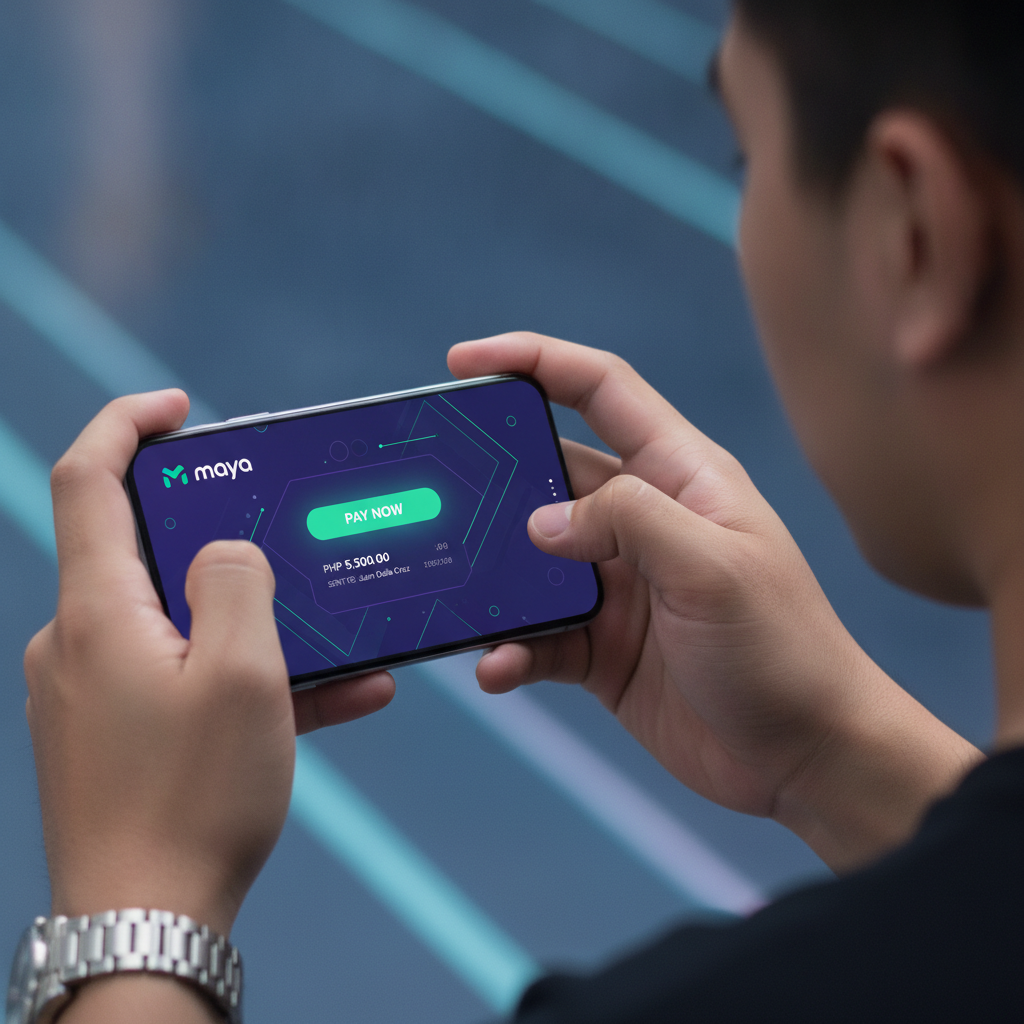
Steps to Deposit Pesos via Maya E-Wallet into PV Winzone
Maya is one of the quickest ways to fund your PV Winzone account. Before you start, make sure your Maya wallet has enough balance to cover your intended deposit amount.
Step-by-step deposit process:
- Log into your PV Winzone account on your Android phone or browser
- Tap the Deposit or Cashier button, usually found in the top menu or account section
- Select Maya from the list of payment methods
- Enter the amount in Philippine pesos you want to deposit (minimum PHP 100)
- Confirm the transaction details and tap Submit or Proceed
- You will be redirected to the Maya payment page or the Maya app on your phone
- Log into your Maya account if prompted
- Review the payment amount and merchant name
- Authorize the payment using your Maya PIN or biometric authentication
- Wait for the confirmation screen—both Maya and PV Winzone should show a success message
- Return to PV Winzone and check your balance; the deposit typically appears within one to three minutes
If the deposit does not appear after five minutes, check your Maya transaction history to confirm the payment went through. If Maya debited your wallet but PV Winzone shows no balance update, contact PV Winzone customer support with your Maya reference number.
How to Cash Out Winnings to Your Maya Account
Withdrawing your winnings to Maya follows a similar flow, but processing times are longer than deposits because the operator must verify the request.
Step-by-step withdrawal process:
- Log into your PV Winzone account
- Tap Withdraw, Cashout, or Cashier
- Choose Maya as your withdrawal method
- Enter the amount you want to cash out in pesos
- Input your registered Maya mobile number—this must match the number on file with PV Winzone
- Double-check the mobile number; sending funds to the wrong Maya account can delay your cashout or require manual recovery
- Submit the withdrawal request
- PV Winzone will process the request, which may take anywhere from a few hours to 24 hours on weekdays
- Once approved, the money is transferred to your Maya wallet
- You will receive an SMS or in-app notification from Maya when the funds arrive
Important reminders for withdrawals:
- Your Maya account must be verified (with real name matching your PV Winzone registration). Unverified Maya accounts may face delays or rejection.
- If you deposited using a different method—such as GCash or bank transfer—you may still withdraw to Maya, but some operators ask you to withdraw via the same channel you used to deposit. Check PV Winzone's cashier page or support team if you are unsure.
- Bonus funds and wagering-requirement balances cannot be withdrawn until playthrough conditions are met. Only real-money winnings and cleared balances are eligible for cashout.
Transaction Limits: Minimum PHP 100, Maximum per Day, and Any Service Fees
Minimum deposit and withdrawal: PV Winzone typically sets a minimum transaction amount of PHP 100 for both Maya deposits and withdrawals. This is standard across most Filipino online casinos and matches the minimum for GCash and bank transfers.
Maximum limits: Daily deposit and withdrawal caps vary by player account level and verification status. For most regular players:
- Maya deposit maximum: Often between PHP 10,000 and PHP 50,000 per day. VIP or verified accounts may have higher limits.
- Maya withdrawal maximum: Commonly PHP 10,000 to PHP 50,000 per transaction, with a daily or weekly cap that depends on account tier.
Check the cashier page after logging in to see your personal limits. If you need to withdraw a large win that exceeds the daily cap, you may need to split it across multiple days.
Fees: PV Winzone does not usually charge a platform fee for Maya deposits or withdrawals. However, Maya itself may impose transaction fees depending on your account type:
- Maya Basic accounts may incur a small cash-in or cash-out fee for certain transactions.
- Maya Upgrade and Maya Plus (verified) accounts typically enjoy lower or zero fees for many services.
Always review the final transaction screen in the Maya app before authorizing payment to see if any fee applies. Network or intermediary charges are rare for direct e-wallet transfers but can occur if a third-party gateway is involved.
How Long Maya Deposits Appear and Withdrawals Arrive
Maya deposits: In most cases, deposits from Maya land in your PV Winzone balance instantly or within one to three minutes. The funds move directly from your Maya wallet to the casino's payment processor, so there is no bank clearing period.
If a deposit takes longer than five minutes:
- Check your Maya transaction history to confirm the payment was completed
- Refresh your PV Winzone account page or log out and log back in
- Clear your browser cache or restart the app if you are using the Android APK
- Contact PV Winzone support with your Maya reference or transaction ID
Maya withdrawals: Cashouts take longer because the operator must review and approve each request. Typical processing times:
- Pending review: Up to 24 hours on business days (Monday to Friday). Requests submitted on weekends or holidays may be queued until the next working day.
- Transfer to Maya: Once approved, the funds usually reach your Maya wallet within a few minutes to one hour.
- Total wait time: Expect anywhere from a few hours to 24–48 hours from submission to money in your Maya account.
Faster withdrawal times are often available to verified players or VIP-tier members. If your cashout is still pending after 48 hours, check your email or PV Winzone inbox for any verification requests, then reach out to customer support if no message was sent.
Common Maya Cashout Issues and How to Fix Them
"Withdrawal request failed" error:
- Your Maya mobile number may not match the number registered on your PV Winzone account. Log into the account settings and confirm the number is correct.
- You may have active bonus wagering requirements. Check your bonus balance and playthrough status before requesting a withdrawal.
"Pending" status for more than 48 hours:
- PV Winzone may need additional identity or account verification. Check your registered email for a message asking you to upload an ID, selfie, or proof of Maya ownership.
- High-value withdrawals sometimes trigger manual security reviews. Contact support to confirm the status.
Money left Maya but did not arrive in PV Winzone (for deposits):
- Take a screenshot of your Maya transaction receipt showing the merchant name, amount, date, and reference number.
- Send this to PV Winzone customer service via live chat or email. Most payment discrepancies are resolved within 24 hours once proof is provided.
Comparing Maya to GCash and Bank Transfers
Maya performs similarly to GCash for PV Winzone transactions: both are fast for deposits, both have low or zero fees for verified accounts, and both share similar daily limits. The choice often comes down to which e-wallet you already use for everyday bills and shopping.
Maya advantages:
- Instant deposit confirmation in most cases
- Wide acceptance at merchants and billers across the Philippines
- Simple in-app transaction history for record-keeping
Bank transfer (InstaPay/PESONet) comparison:
- InstaPay deposits can also be fast (under 30 minutes), but withdrawals may take one to two business days
- PESONet withdrawals can take up to three business days
- Bank transfers may have higher daily limits for withdrawals, useful for bigger cashouts
If you need your winnings quickly and your amount is under the daily Maya withdrawal cap, Maya is usually the faster choice compared to bank transfer methods.
Tips for Smooth Maya Transactions on PV Winzone
- Verify your Maya account fully. Upgrade to Maya Plus or complete KYC (Know Your Customer) verification to reduce fees and avoid cashout delays.
- Use the same mobile number. Register your PV Winzone account with the same phone number linked to your Maya wallet.
- Keep screenshots. Save confirmation screens from both Maya and PV Winzone in case you need to query a transaction.
- Check balance before depositing. Make sure your Maya wallet has enough load, including any potential transaction fee.
- Withdraw during business hours. Submitting a cashout request on a weekday morning can speed up approval and transfer times.
- Do not share your Maya PIN or OTP. PV Winzone will never ask for your Maya password or one-time PIN. Only authorize payments inside the official Maya app.
21+ Only and Responsible Gambling Reminder
PV Winzone is open to players aged 21 and over only. Online gambling should be an occasional entertainment choice, not a way to make money or solve financial problems.
Set a budget for your deposits and stick to it. If you find yourself chasing losses, spending more than you can afford, or feeling anxious about your gameplay, take a break. Maya's transaction history can help you track your spending. Consider using PV Winzone's deposit-limit or self-exclusion tools if you need extra control.
For confidential support, contact the National Center for Mental Health (NCMH) or local counseling services in the Philippines. Gambling responsibly protects both your wallet and your well-being.
Summary: Maya is a fast, convenient payment method for PV Winzone players. Deposits appear almost instantly with a PHP 100 minimum, while withdrawals typically arrive within 24 hours after approval. Keep your Maya account verified, use the same registered mobile number, and double-check amounts before confirming any transaction. For detailed troubleshooting on failed or pending cashouts, refer to PV Winzone's support team with your Maya reference number ready.